Create Design-Ready AI Images with MAI-Image-2.5
Microsoft's MAI-Image-2.5 turns text and photo prompts into photorealistic visuals, cleaner typography, product-ready scenes, and precise creative outputs for real workflows.
No credit card needed
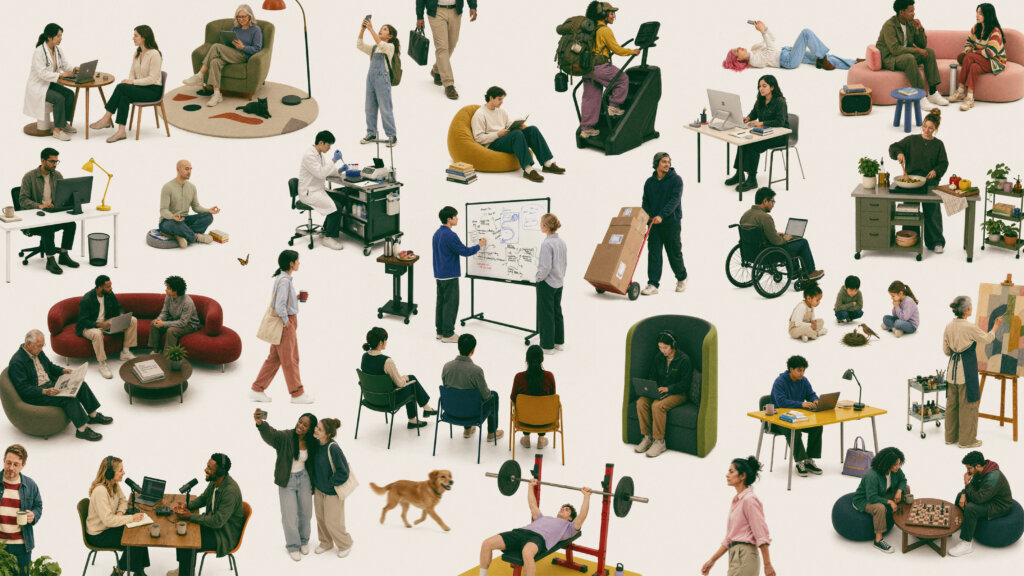
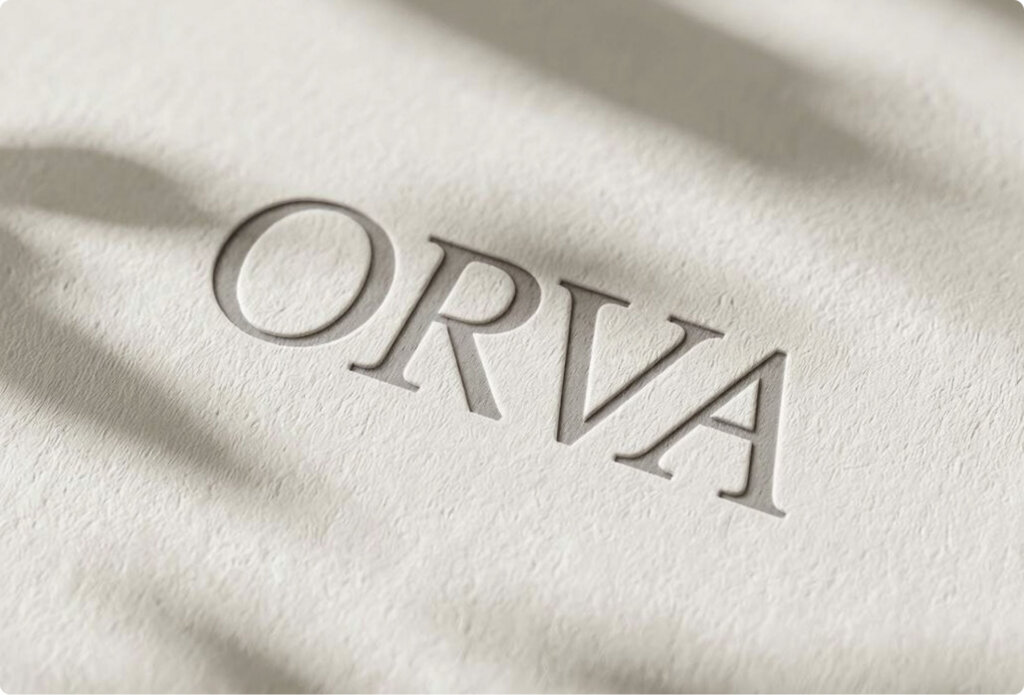
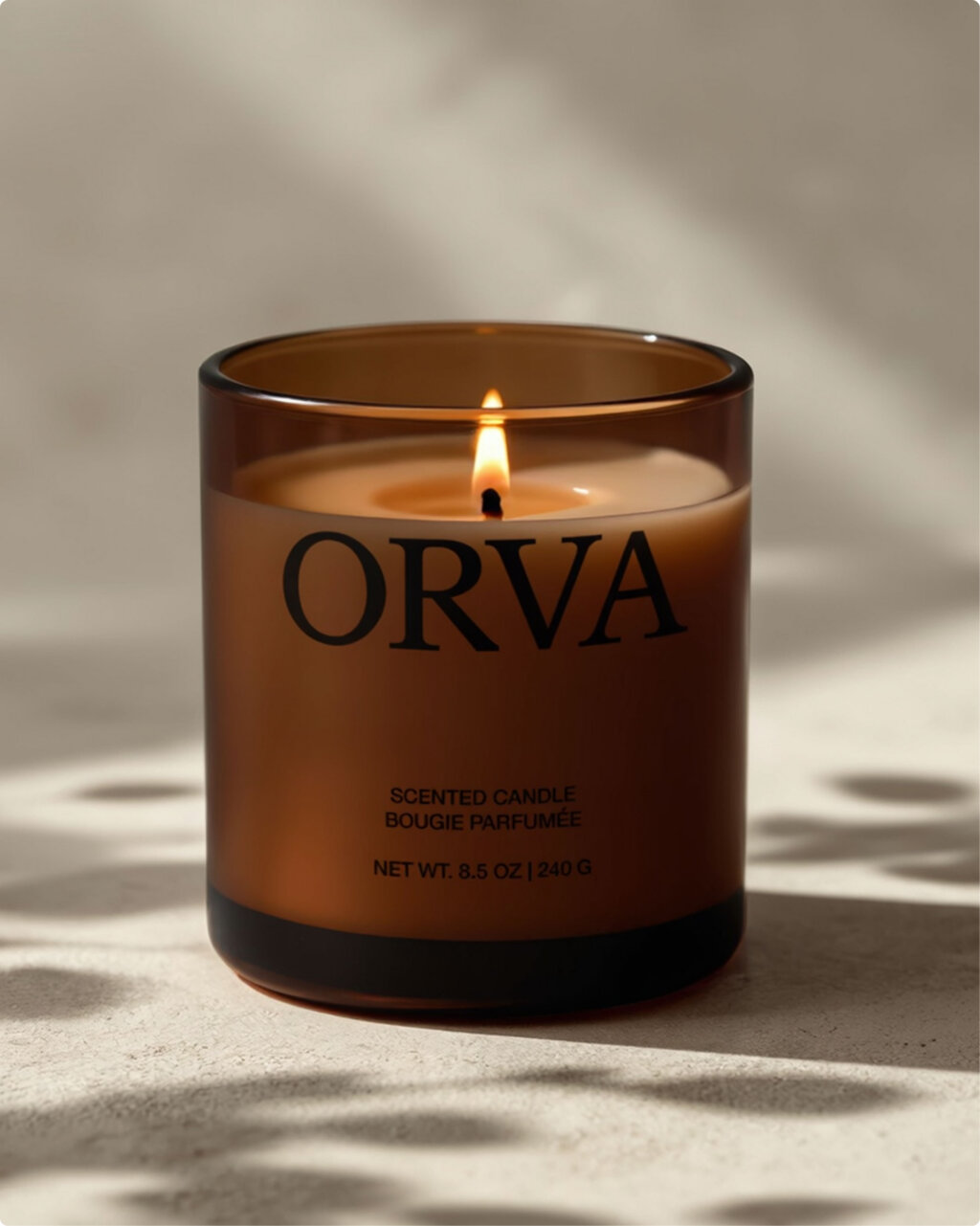
MAI-Image-2.5 Showcase
Explore photorealistic scenes, product-style visuals, stylized concepts, and design-ready images generated from simple creative prompts.
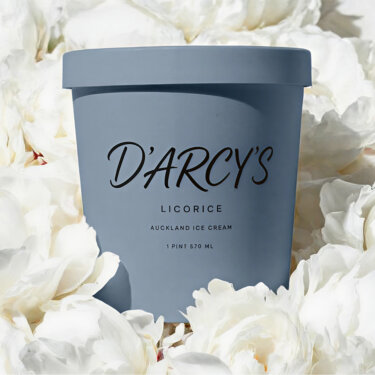
MAI-Image-2.5 square composition
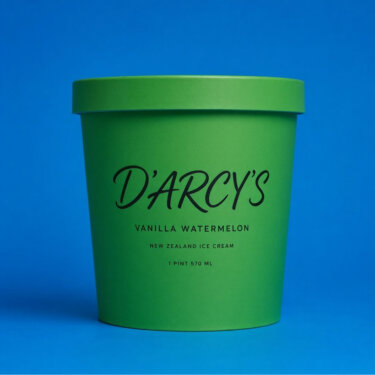
MAI-Image-2.5 alternate square visual
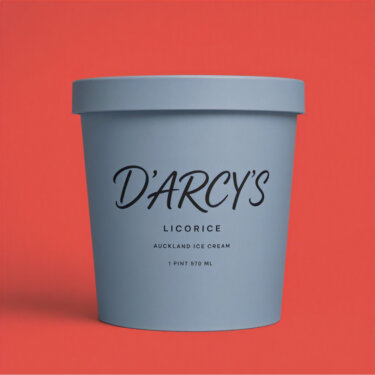
MAI-Image-2.5 product-ready concept
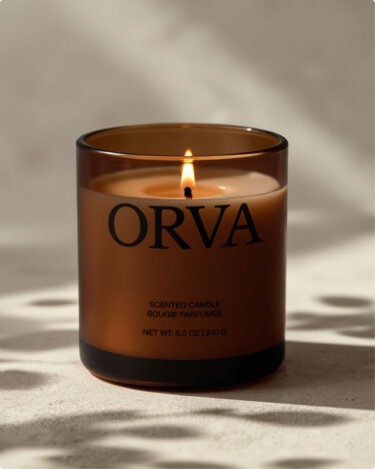
MAI-Image-2.5 portrait visual
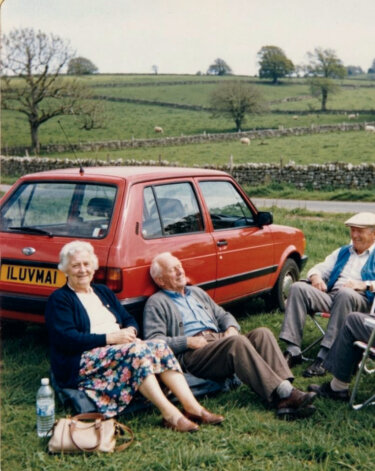
MAI-Image-2.5 cinematic portrait
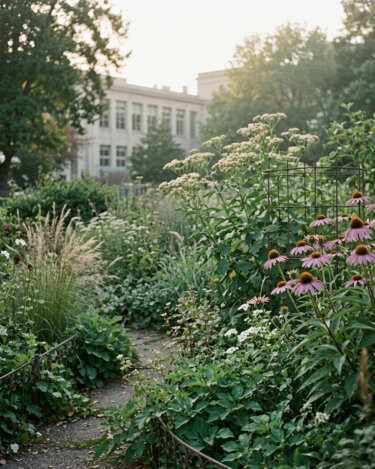
MAI-Image-2.5 design-ready portrait
MAI-Image-2.5 square composition
MAI-Image-2.5 alternate square visual
MAI-Image-2.5 product-ready concept
MAI-Image-2.5 portrait visual
MAI-Image-2.5 cinematic portrait
MAI-Image-2.5 design-ready portrait
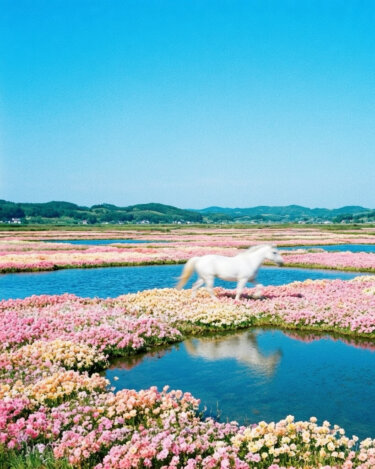
MAI-Image-2.5 detailed character image
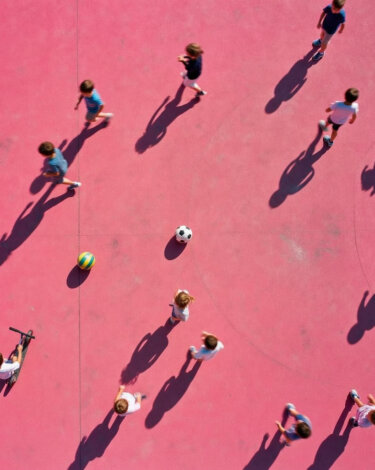
MAI-Image-2.5 generated concept
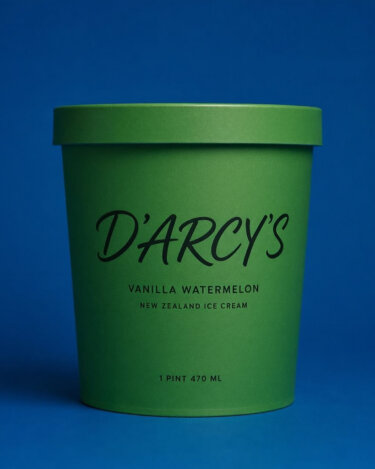
MAI-Image-2.5 generated artwork
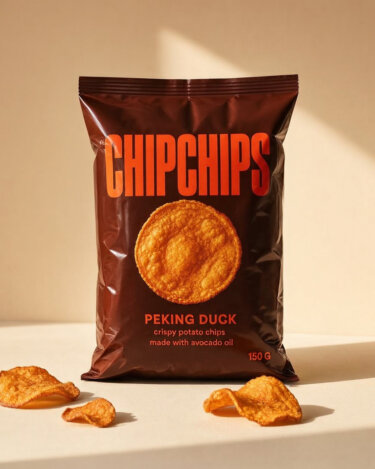
MAI-Image-2.5 generated scene
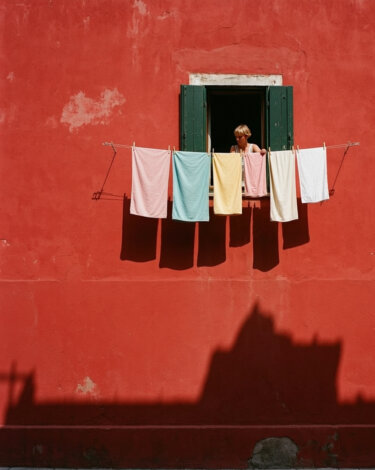
MAI-Image-2.5 visual sample
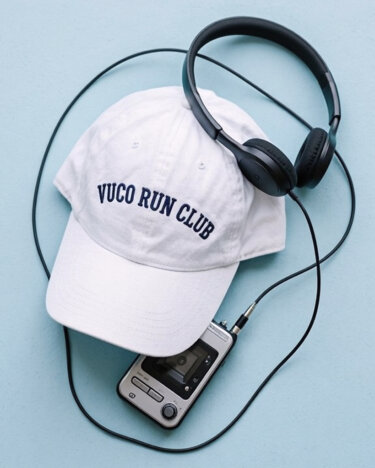
MAI-Image-2.5 image sample
MAI-Image-2.5 detailed character image
MAI-Image-2.5 generated concept
MAI-Image-2.5 generated artwork
MAI-Image-2.5 generated scene
MAI-Image-2.5 visual sample
MAI-Image-2.5 image sample
Key Features of MAI-Image-2.5
High-quality image generation for design, marketing, product visuals, and everyday creative production
Design-Ready Realism
MAI-Image-2.5 creates polished visuals with natural lighting, believable materials, and production-ready detail.
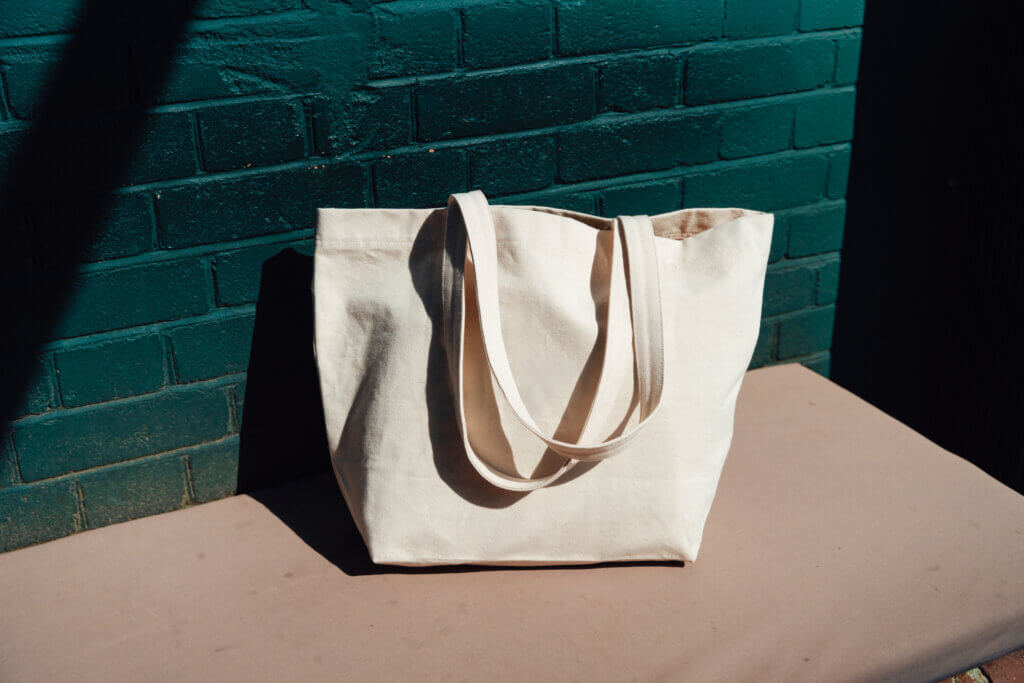
Design-Ready Realism
Explore the possibilities
Sharper Text in Images
Build posters, product graphics, and branded concepts with clearer lettering and stronger layout control.
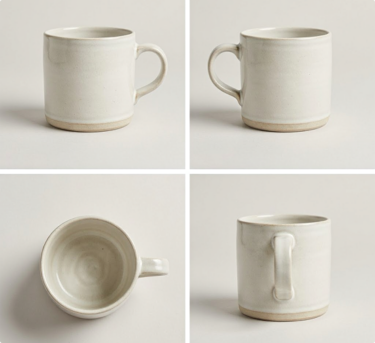
Sharper Text in Images
Explore the possibilities
Prompt-Faithful Control
Guide subject, style, lens, lighting, layout, and brand cues while keeping outputs coherent and usable.
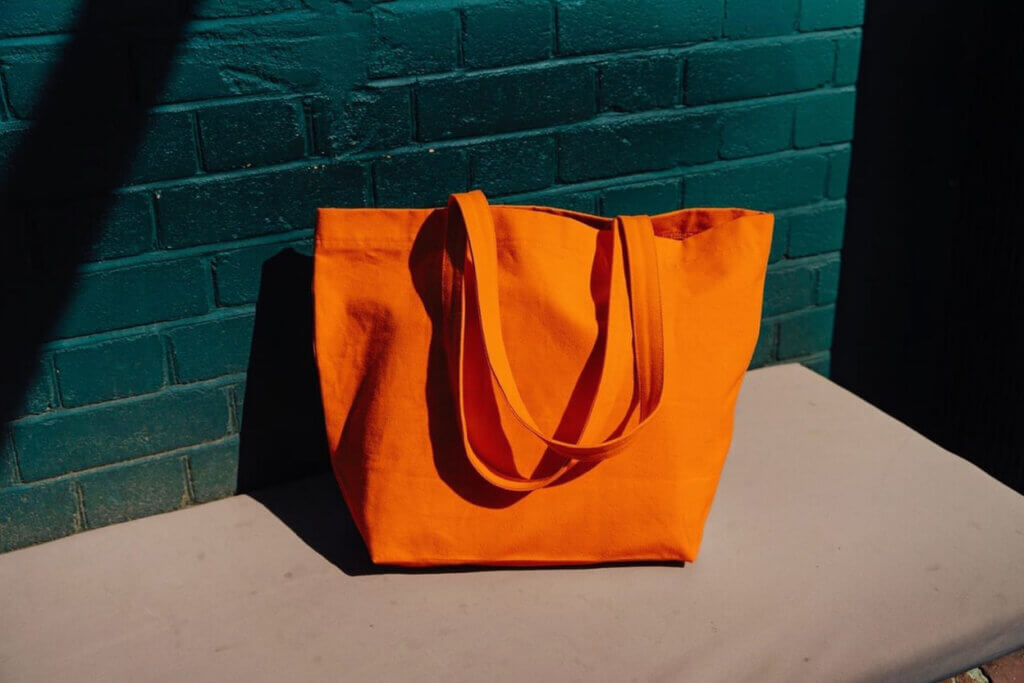
Prompt-Faithful Control
Explore the possibilities
Fast Creative Iteration
Explore multiple directions quickly, compare variations, and move from rough idea to campaign asset faster.
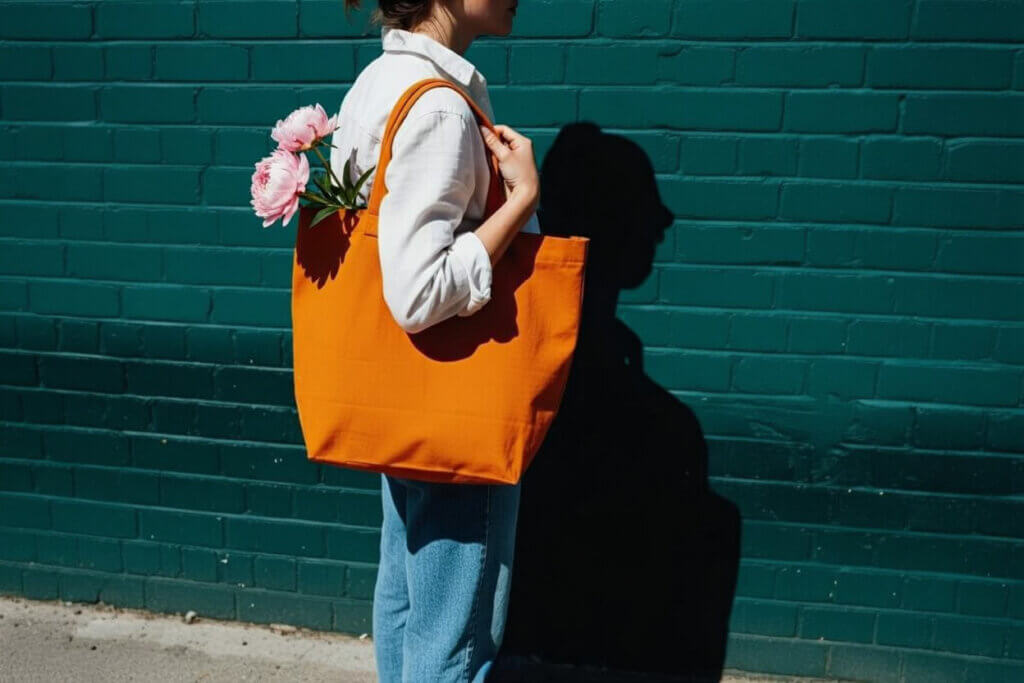
Fast Creative Iteration
Explore the possibilities
Built for Real Workflows
Use MAI-Image-2.5 for product shots, social posts, editorial images, thumbnails, and brand-safe concepts.
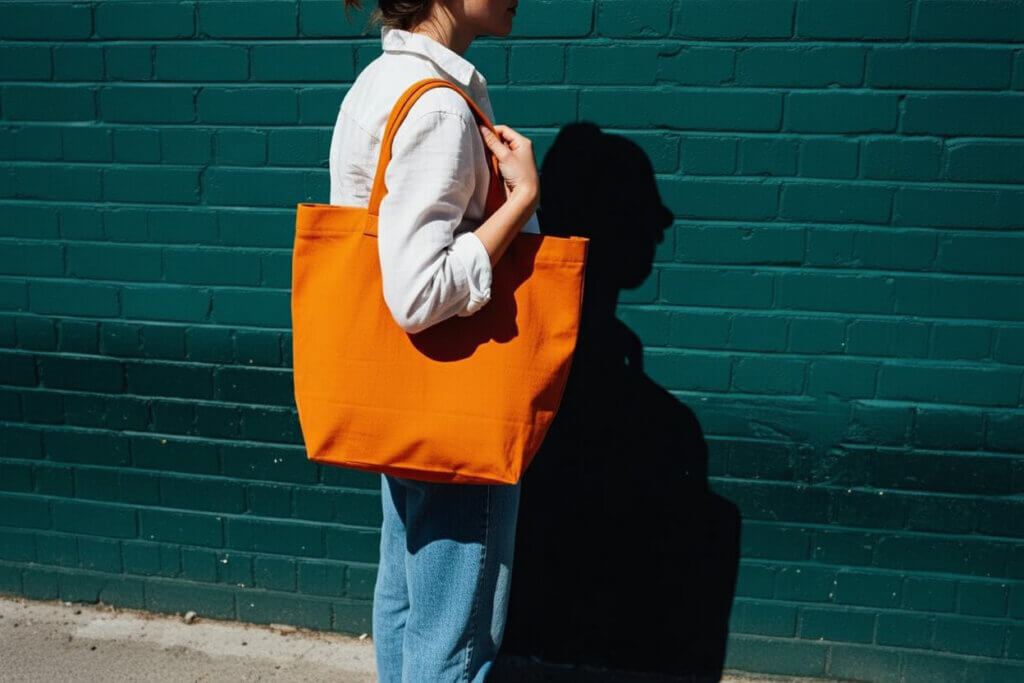
Built for Real Workflows
Explore the possibilities
Describe your vision
Write a prompt with subject, style, scene, lighting, text, layout, and brand details.
Generate & iterate
Generate images with MAI-Image-2.5, then refine direction with stronger visual constraints.
Lock your look
Keep colors, typography intent, product details, and visual mood consistent across a campaign.
Export & share
Download finished images for landing pages, ads, social posts, product mockups, or design comps.
MAI-Image-2.5 Pricing Plans
Choose a credit pack and checkout securely online. Credits never expire.
Starter
What's included
Premium
What's included
Ultimate
What's included
What Can You Create with MAI-Image-2.5?
Use MAI-Image-2.5 to move from idea to polished visual across marketing, product, and design workflows.
Marketing Visuals
Create campaign images, social ads, landing page graphics, and thumbnail concepts without waiting on stock or photoshoots.
Product Imagery
Generate clean product shots, lifestyle scenes, seasonal concepts, and e-commerce visuals with believable materials.
Brand Concepts
Test typography, composition, packaging ideas, and brand-safe visual directions before committing production time.
Creative Production
Turn rough prompts into detailed, coherent images for presentations, mood boards, editorial art, and design comps.
Loved by Creators Worldwide
Real feedback from professionals using MAI-Image-2.5
"MAI-Image-2.5 gives us campaign-ready lighting and detail without the stock-photo look. Our hero concepts feel closer to real shoots."
"Turnaround time is fast enough to iterate live on calls. We can test three aesthetics and lock a direction in under an hour."
"Prompt fidelity is strong. I can specify lens feel, depth of field, and material finishes, and MAI-Image-2.5 keeps them consistent across a set."
"We replaced placeholder stock with MAI-Image-2.5 visuals for landing pages. CTR lifted, and the images feel on-brand instead of generic."
"Product shadows and reflections are unusually believable. For e-commerce comps, that realism saves us a round of retouching."
"Style repetition is low. Variations feel truly different, so mood boards don't collapse into the same look."
Frequently asked questions
MAI-Image-2.5 is Microsoft's latest image model for generating and editing high-quality visuals from text or photo prompts. It is designed for realistic scenes, sharper text, product imagery, and design-ready creative work.
Brand-Safe Creation with MAI-Image-2.5
Our platform helps teams turn briefs into polished visuals with practical controls, content safeguards, and a workflow built for responsible creative production.